
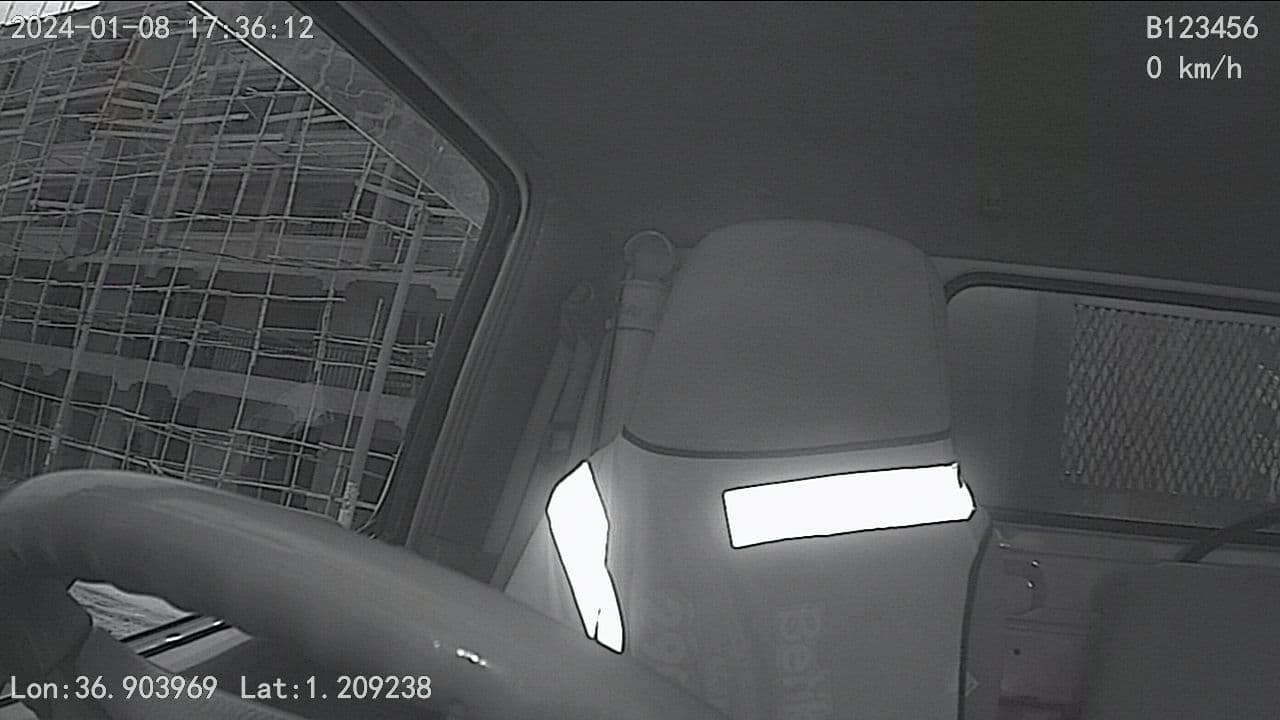
How to download footage from our MDVR systems
How to download footage from our MDVR systems
Click on the replay tab as illustrated below
Select the target device and adjust the parameters as per your interest. The raw footage is stored on the device, and the days that can be played back are marked by a small dot. Click search when done.
Please note that the vehicle must be online and have a stable internet connection.Here is an example of a preconfigured search
Select the exact time and the channel you need a playback as illustrated below, Or you can also choose to work with specific files. Your footage is organized in segmented files to make it easier to download and save the footage without having to necessarily access the MDVR.
Playback or download the footage as per your interests by clicking on the playback icon as illustrated. Ps: Note the Channel differences
You can also download the footage by clicking on the download icon to prepare the file and later navigating to the pending download tab on the top right.
Ps: The file can be significantly large since this is the raw footageThe “pending download tasks” allow you to download the segmented files prepared from the playback.
Ps. Note that you will need to download the “MDVR player,” which can be found on our landing page.In case of any questions or clarification, please get in touch with us at 0743605318; 0711684928 or leave us an email at info@coltech.co.ke. Thank you for trusting us in ensuring the right connection with your assets